Background
40% of US energy goes to indoor climate
Buildings condition entire floors and rooms the same way - regardless of whether anyone is sitting there, whether they run hot or cold, or whether the vent is pointed at their face. 40% of US energy consumption goes to indoor climate control, yet the people inside those buildings have almost no meaningful control over their own comfort.
Eco-Flow was a grand-challenge project to close that gap using thermal imaging and embedded hardware to give a single desk its own intelligent microclimate.
The Challenge
How to shape HVACs for people
HVACs are structurally built for buildings over people.
HVAC is disconnected from users
Thermostats control zones, not people. A single person sitting near a vent has no recourse when the building-wide setpoint leaves them freezing.
Interface confusion
Building HVAC controls are opaque to occupants. People adjust space heaters, fans, and clothing as workarounds - each a signal the system is failing them.
Energy opacity
Over-conditioning empty rooms wastes enormous energy with no feedback to occupants. There is no loop connecting behavior, comfort, and consumption.
Research & Build
Thermal imaging meets embedded systems
The system used a FLIR Lepton thermal camera paired with a Raspberry Pi to detect user presence and read body temperature in real time. A machine learning pipeline (SVM + HOG) classified the thermal frames. An Arduino controlled pan-tilt servos and HVAC dampers to physically redirect airflow toward the detected user.
Division of labor: my hardware partner built the engineering pipelines. I handled HCI, system design, and the UX of thermal feedback - designing how the system interprets human presence, calibrates to individual body temperature, and communicates state to the user.
Image Analysis
The system thresholds warm components from the thermal frame to isolate the largest connected region - that is the user.
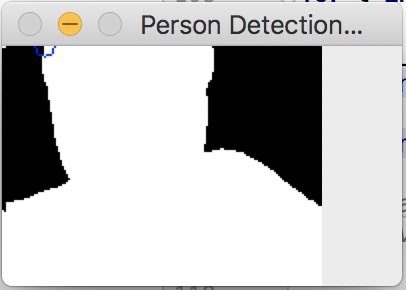
Thresholded silhouette - largest connected warm region = user
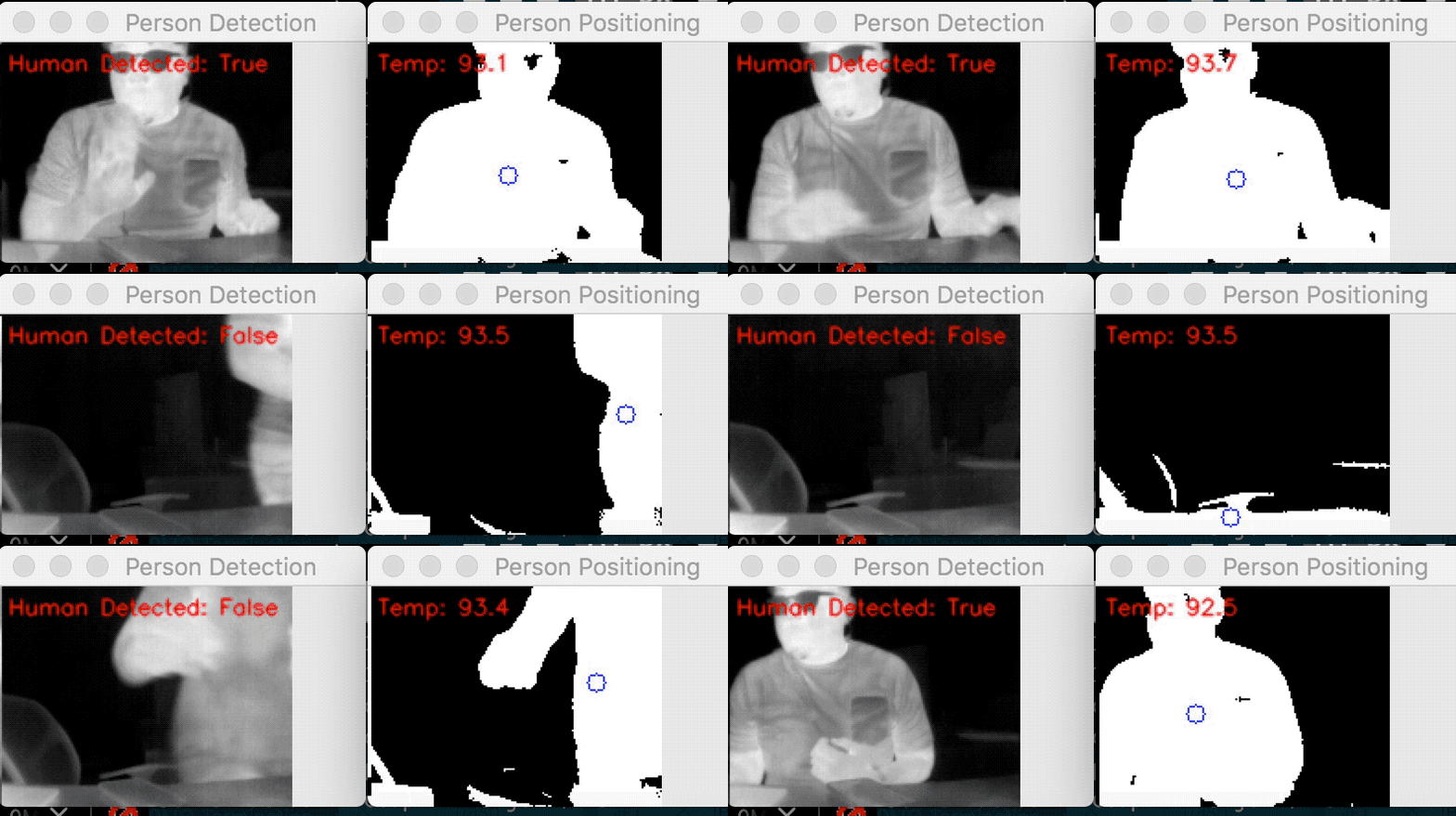
Front-view detection - real-time thermal tracking
Temperature Calibration
Five sample points across the body are averaged to determine comfort deviation from the user-set preference. Reference points include forehead, neck, wrist, shirt, and nose - each with different baseline thermal signatures.
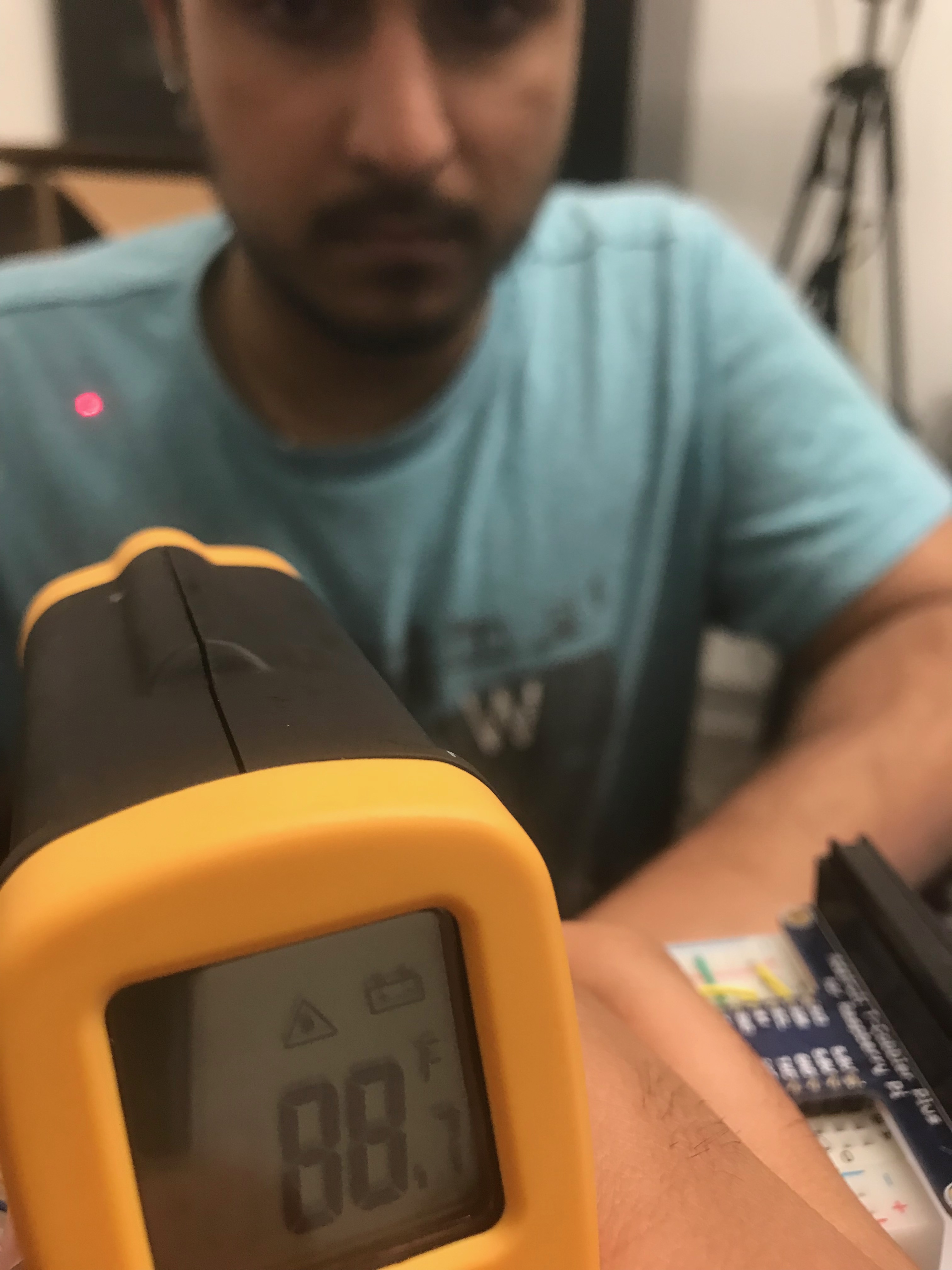
Left-side calibration sample
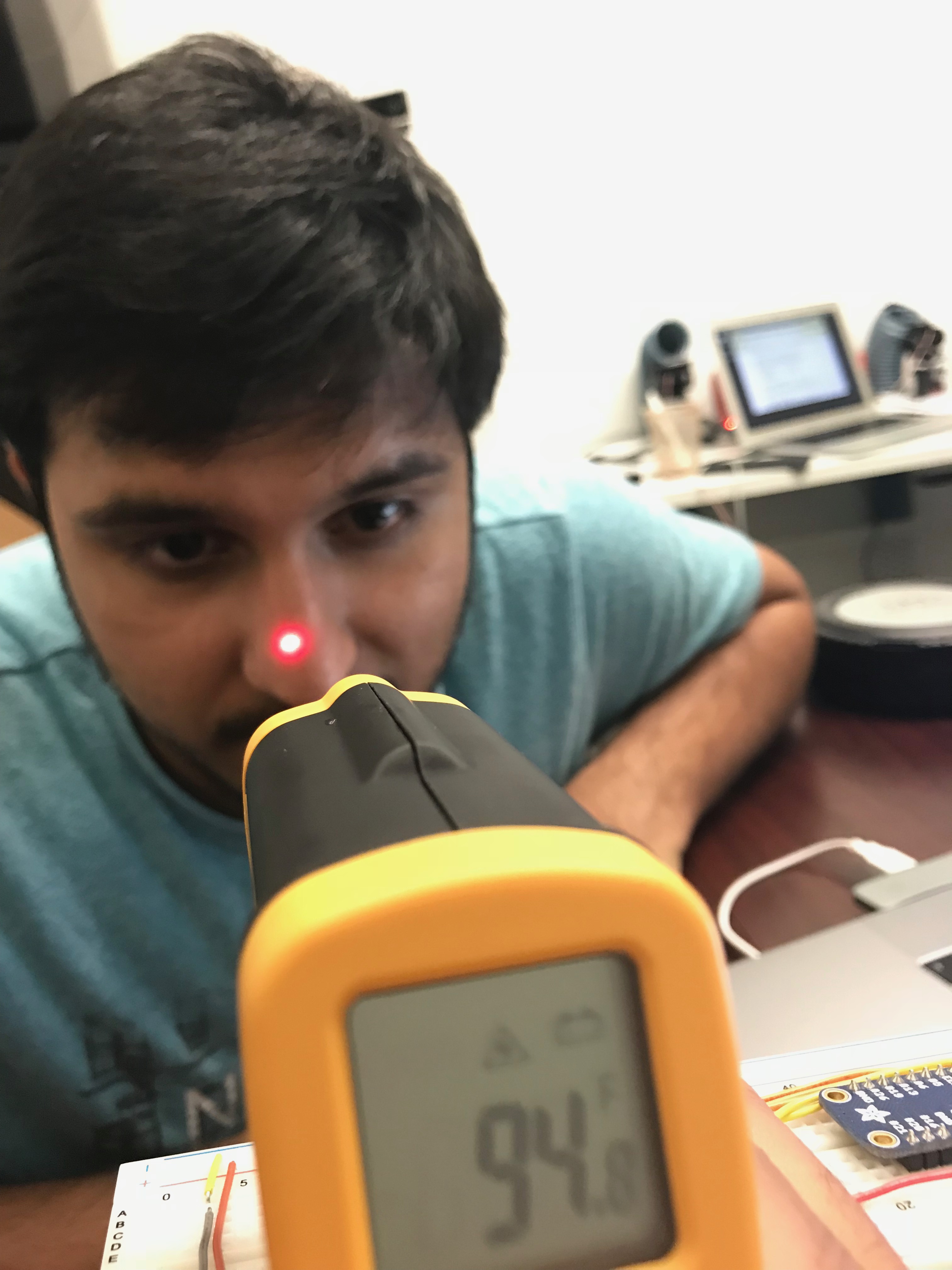
Neck calibration sample
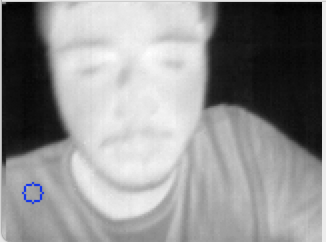
Left shirt - fabric baseline reference
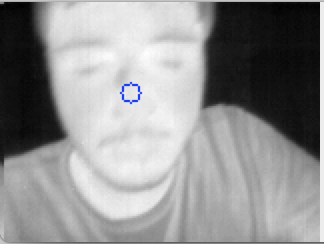
Nose sample - distal extremity reference
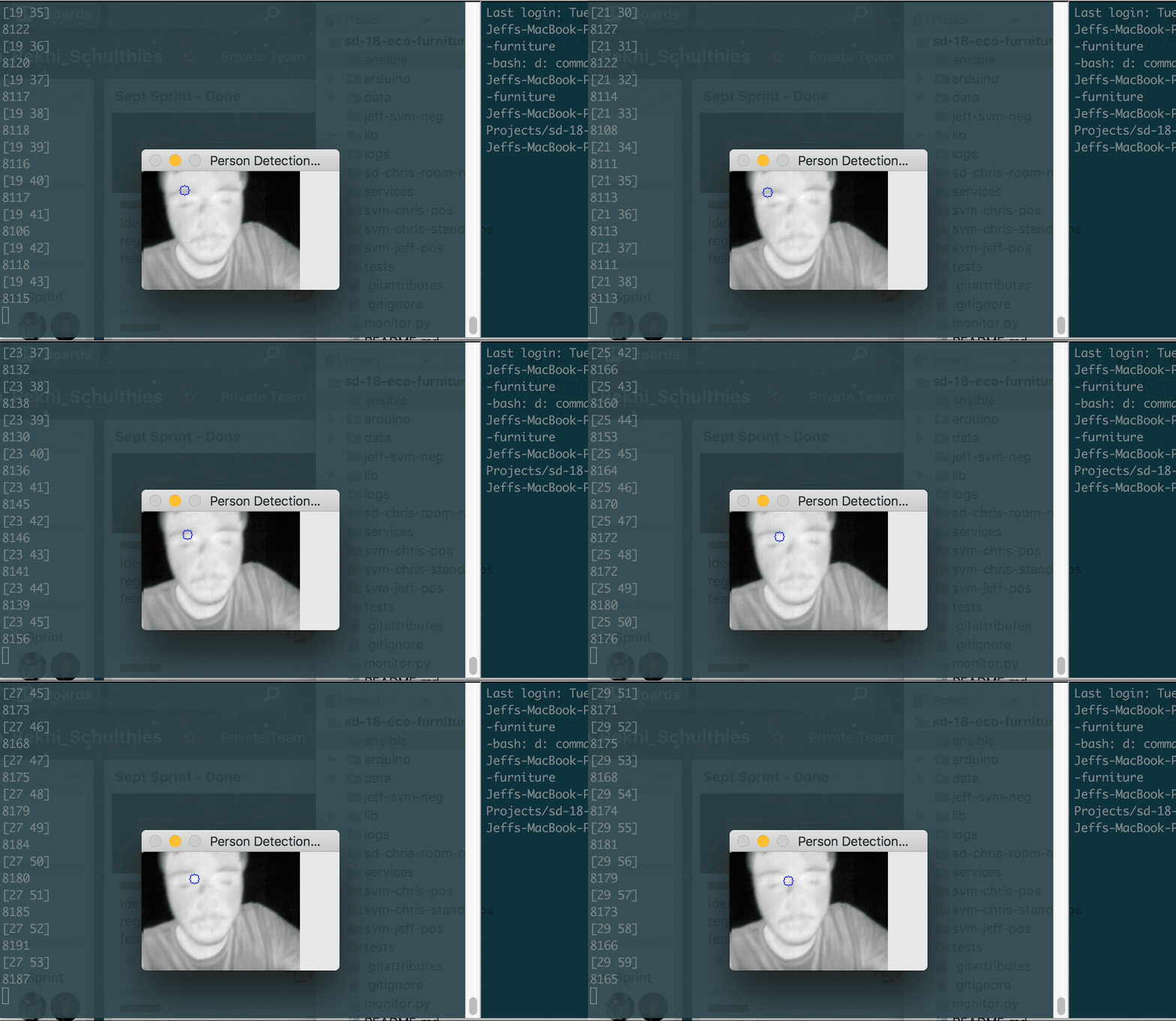
Full calibration sequence - five sample points averaged to determine comfort baseline
System Architecture
Raspberry Pi captures and processes thermal frames, then publishes comfort state via an MQTT broker. The Arduino subscriber receives commands and drives the physical outputs: pan-tilt servos and HVAC dampers.
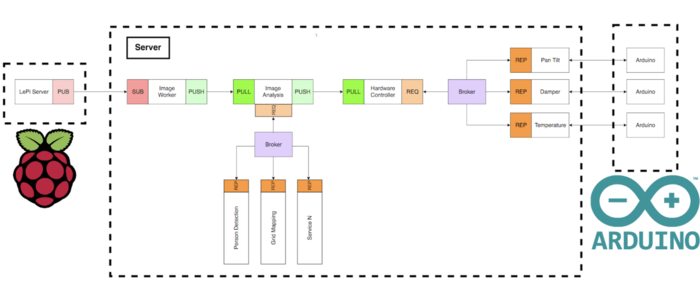
System architecture: Raspberry Pi - MQTT broker - Arduino - physical outputs
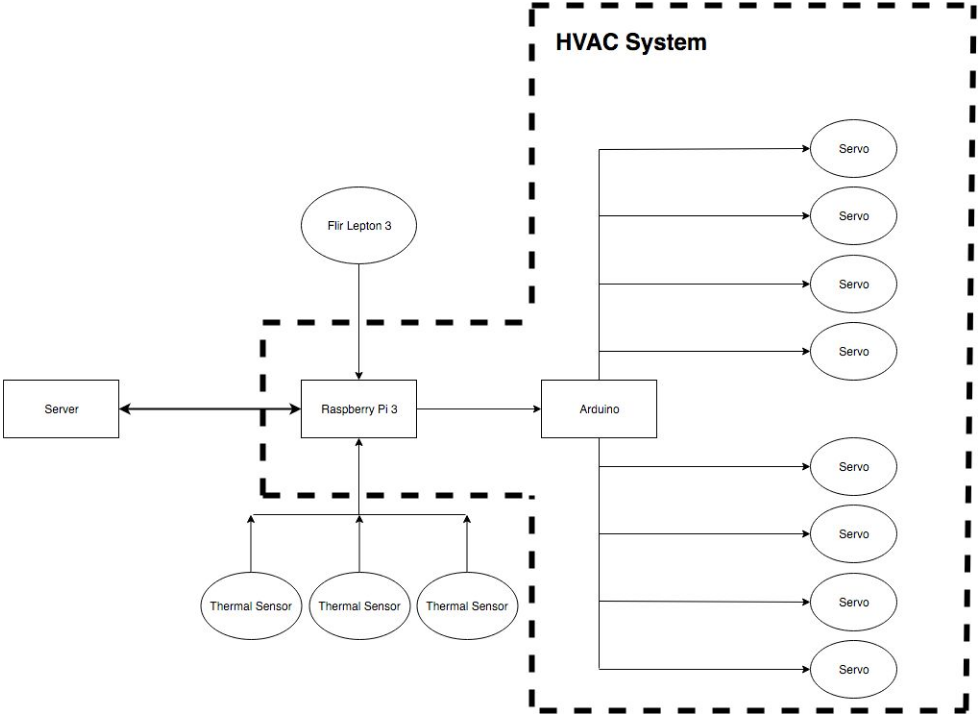
HVAC integration plan - desk-level damper control within building ductwork
Prototype
The desk form factor embedded the hardware outputs directly into the furniture: an IR emitter for warmth, motorized dampers to redirect conditioned air, and pan-tilt servos to track user position.
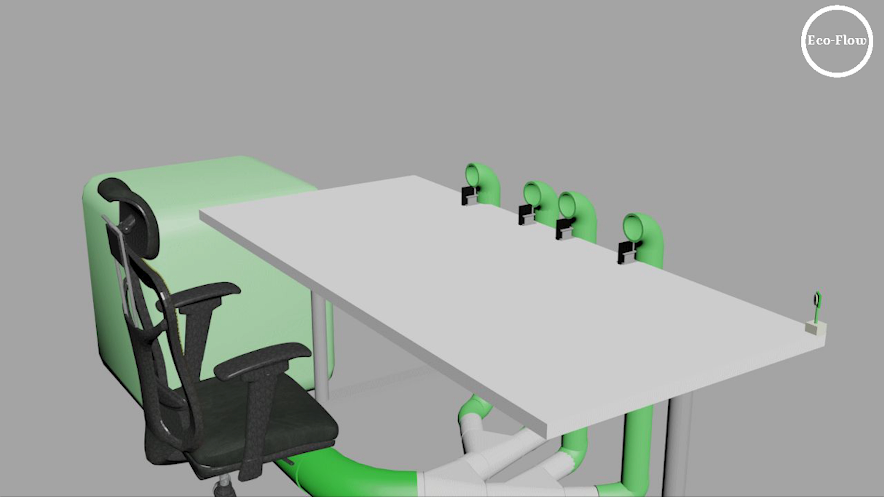
Desk concept render - HVAC vents integrated into surface, pan-tilt tracking mounted below
Presentation
Project demo and walkthrough
Final presentation covering system design, hardware build, and live demo of the thermal detection pipeline.
Discussion & Future Directions
What comes next
The prototype validated the core thesis: thermal imaging can drive real-time, personalized HVAC control. Two directions would take it further.
Reflection
The first of many HCI products
This was the first of many HCI products to come. What was most interesting was learning just how much humans bring to any experience - especially in a hardware product. The machine sees temperature. The user feels comfort, habit, distraction, and preference. Bridging that gap required understanding both sides.